
Best ChatGPT Features for Students, Freelancers and Professionals

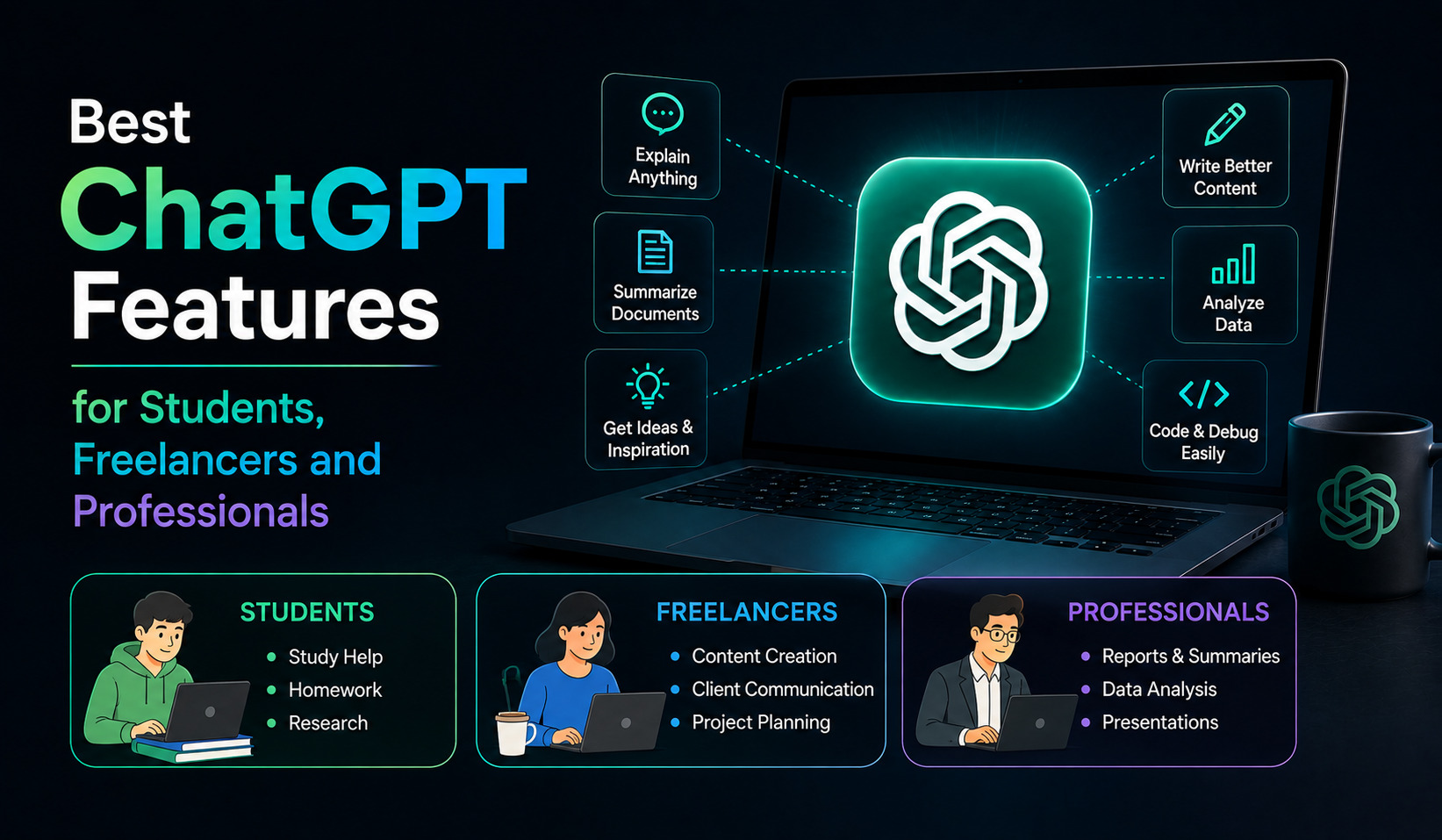
ChatGPT has become much more than a tool for asking questions and generating text. In 2026, it offers a growing collection of features for studying, research, writing, data analysis, file management, voice conversations, project organization, and professional work.
The challenge is knowing which ChatGPT features are actually useful for your specific needs.
A student may benefit most from Study Mode and file analysis. A freelancer may get more value from Projects, Canvas, image generation, and research tools. A professional might rely on data analysis, Deep Research, connected tools, and Work for larger assignments.
The good news is that many of these features can be combined into complete workflows. Here is a practical guide to the best ChatGPT features for students, freelancers, and professionals.
ChatGPT Features for Students
Students can use ChatGPT as a study partner, research assistant, writing helper, and document analyzer. However, the best results come from using AI to understand and practice material rather than simply asking it to complete assignments.
1. Study Mode for Learning
Study Mode is one of the most useful ChatGPT features for students.
Instead of immediately giving you an answer, Study Mode can guide you through a topic, ask questions, explain concepts step by step, and check whether you understand the material. It supports a more interactive, Socratic-style learning experience.
For example, instead of asking:
“Explain photosynthesis.”
you could ask:
“I’m a college student preparing for an exam. Teach me photosynthesis step by step, ask me questions as we go, and don’t give me the answer until I’ve tried.”
This approach encourages active learning.
Study Mode can also work with uploaded class notes, worksheets, PDFs, slides, and images when file uploads are available.
2. Upload Notes, PDFs and Study Material
Students often have information spread across textbooks, lecture notes, PDFs, presentations, and worksheets.
ChatGPT’s file-upload capabilities allow you to upload supported documents and ask questions about their contents. You can summarize material, extract specific information, compare documents, or transform complicated material into simpler explanations.
For example, upload your lecture notes and ask:
“Create a revision guide from these notes and highlight the concepts most likely to require deeper understanding.”
You can then use Study Mode to quiz yourself on that material.
3. Voice for Studying
Voice can make studying more interactive.
Instead of typing every question, you can talk through a difficult concept with ChatGPT. You can ask it to explain something aloud, practice an oral presentation, or quiz you while you answer verbally.
ChatGPT Voice supports natural back-and-forth conversations, including interruptions in supported Voice experiences.
This can be particularly useful when reviewing material away from your keyboard.
4. Turn Notes Into Practice Questions
Once you upload study material, ChatGPT can create practice questions based on it.
Ask for multiple-choice questions, short-answer questions, flashcard-style prompts, or an interactive quiz.
A particularly useful workflow is:
Upload notes → create questions → answer without looking → get feedback → review weak areas.
This is generally more useful for learning than simply asking ChatGPT to summarize the entire chapter.
5. Research With Web Search
Students often need current information for assignments and projects.
ChatGPT Search can look up recent information on the web and provide source-backed responses. Deep Research is designed for more complicated research involving multiple sources and structured outputs.
For academic work, always check your school’s AI policy and verify important claims against the original sources.
ChatGPT Features for Freelancers
Freelancers can use ChatGPT as a productivity assistant, content partner, research tool, editor, and project organizer.
The biggest advantage is that freelancers often need to handle many different roles themselves. ChatGPT can reduce some of the repetitive work.
6. Projects for Client Work
Projects are extremely useful for freelancers who work with recurring clients.
A Project can keep related conversations, files, instructions, and context together. OpenAI describes Projects as workspaces designed for long-running and evolving work.
You could create separate Projects for different clients.
A client Project might contain brand guidelines, previous content, proposals, briefs, reference documents, and writing instructions.
Instead of explaining the client’s requirements every time, you can continue working from the same project context.
7. Canvas for Writing and Editing
Canvas provides an interactive workspace for writing, editing, and coding.
For freelance writers, it can be useful for developing articles, reports, website copy, proposals, and other long-form material. You can make targeted changes instead of repeatedly generating an entirely new response.
OpenAI describes Canvas as a workspace where you can co-write, edit, and debug alongside ChatGPT.
For example, you could ask:
“Review this article for clarity and structure. Suggest improvements without changing my writing style.”
Then make the final decisions yourself.
8. Create Proposals and Client Documents
Freelancers spend significant time preparing proposals and client-facing documents.
ChatGPT can help turn a project brief into a proposal structure, scope of work, timeline, list of deliverables, or client questionnaire.
You can also provide previous successful proposals and ask ChatGPT to help create a new version that matches your established style.
The freelancer should still review pricing, promises, deadlines, and contractual language before sending anything to a client.
9. Analyze Client Data
If a client provides sales data, survey results, website metrics, or another structured dataset, ChatGPT’s Data Analysis capabilities can help analyze it.
ChatGPT can work with spreadsheets and CSV files to identify trends, clean data, calculate results, and create visualizations.
For example:
“Analyze this monthly sales spreadsheet. Identify the strongest months, unusual changes, and products with declining sales.”
This can turn raw data into a starting point for client insights.
10. Create Images and Visual Concepts
Freelancers working in marketing, content, design, or social media can use ChatGPT’s image-generation capabilities to develop visual concepts.
You can describe the desired subject, composition, style, audience, and purpose and generate an image or visual direction.
ChatGPT can also analyze uploaded images, screenshots, diagrams, and charts.
This can be useful for brainstorming campaign concepts, blog graphics, social media visuals, or presentation ideas.
ChatGPT Features for Professionals
Professionals often need to deal with larger amounts of information, recurring workflows, reports, meetings, presentations, and analysis.
Several ChatGPT features are particularly useful in this environment.
11. Deep Research for Complex Assignments
Deep Research is designed for multi-step research tasks.
Instead of providing a quick answer from a small number of sources, it can investigate information across multiple online sources and produce a structured, cited output.
Professionals can use it for market research, competitor analysis, industry research, strategy reports, technology investigations, and literature reviews.
A strong research prompt should explain the objective, timeframe, preferred sources, audience, and expected output.
12. Data Analysis for Reports
Professionals working with spreadsheets can use ChatGPT to analyze data without manually performing every calculation.
Upload a supported spreadsheet or CSV and ask questions about trends, anomalies, relationships, or performance.
You can also request charts and visualizations to make the findings easier to communicate.
This can be particularly useful for marketing reports, sales analysis, financial planning, customer research, and operational data.
Important financial or business decisions should still be reviewed by qualified professionals and checked against the original data.
13. Projects for Long-Term Work
Projects aren’t only useful for students and freelancers.
Professionals can create Projects for product launches, research programs, marketing campaigns, business planning, reports, or recurring analysis.
Files, instructions, and chats remain organized around the same objective, helping ChatGPT maintain relevant context.
For example, a marketing team could create a Project containing campaign briefs, customer research, previous reports, brand guidelines, and weekly performance data.
This can make recurring work much easier to manage.
14. Work for Multi-Step Tasks
ChatGPT now provides both Chat and Work experiences.
Regular Chat is designed for quick conversational assistance, while Work is an agent experience designed for longer, multi-step tasks and finished deliverables. OpenAI says Work can research topics, analyze information, and create documents, spreadsheets, presentations, reports, or Sites.
This makes Work particularly interesting for professionals who have assignments involving several stages.
For example, instead of asking separate questions about a market report, you could give Work the overall objective and relevant source material and ask it to produce a finished research report.
You can then review the result and request changes.
15. Voice for Meetings and Brainstorming
Voice is useful beyond casual conversations.
Professionals can use it to brainstorm ideas, discuss plans, rehearse presentations, practice interviews, or think through complex problems while away from a keyboard.
ChatGPT Voice provides natural spoken interaction and can work with web search and other supported capabilities depending on the experience and account.
It can be particularly helpful when the goal is to think aloud rather than type a carefully structured prompt.
16. Memory for Personalization
When Memory is enabled, ChatGPT can remember useful information you have shared and use it to personalize future conversations.
For professionals and freelancers, this can reduce repetitive instructions.
For example, you might establish a preferred writing style, recurring business goals, or formatting preferences.
You can review, edit, or delete memories, so you remain in control of what is retained.
Features Useful for Everyone
Some ChatGPT capabilities are valuable regardless of whether you are a student, freelancer, or professional.
17. Web Search for Current Information
Whenever information may have changed recently, web search can be more useful than relying solely on a general answer.
Use it for current technology releases, market developments, company updates, recent events, changing policies, and other time-sensitive information. ChatGPT Search is specifically designed to retrieve recent information from the web.
18. File Library for Reusing Documents
ChatGPT’s Library can store uploaded and created files so you can find and reuse them later.
The Library supports saved documents, spreadsheets, presentations, images, and other files, with availability depending on account and workspace.
This is useful if you frequently work with the same reference documents.
Instead of repeatedly uploading a file, you can add a saved file from your Library when supported.
19. Custom GPTs
Custom GPTs allow you to create specialized versions of ChatGPT with tailored instructions, knowledge, and selected tools.
A student could create a specialized tutor.
A freelancer could create a content assistant that follows a client’s style guidelines.
A professional could create an internal assistant designed around a specific workflow.
This is especially useful when you repeatedly perform the same type of task.
20. Combine Features Into Workflows
The most powerful way to use ChatGPT is often to combine several features.
A student could use:
Project → uploaded notes → Study Mode → Voice → practice questions
A freelancer could use:
Project → client files → Deep Research → Canvas → data analysis
A professional could use:
Project → connected information/files → Deep Research → Data Analysis → Work → final report
The individual features are useful, but combining them can create a much more complete AI workflow.
Which ChatGPT Features Should You Use?
The best feature depends on your role.
For students, start with Study Mode, file uploads, Voice, web search, and Projects.
For freelancers, focus on Projects, Canvas, file analysis, image generation, data analysis, and Deep Research.
For professionals, prioritize Projects, Deep Research, data analysis, file handling, Work, Voice, and connected tools where available.
You don’t need to learn everything at once. Start with the features that solve your biggest recurring problem.
Final Thoughts
ChatGPT has evolved into a broad productivity platform rather than simply a chatbot.
Students can use it as an interactive tutor and research assistant. Freelancers can use it to manage client work, analyze information, create content, and speed up repetitive tasks. Professionals can use it for research, data analysis, project management, document creation, and larger multi-step assignments.
The most important lesson is not to use AI for everything. Instead, identify the tasks that consume the most time and find the ChatGPT feature that can make those tasks easier.
If you learn to combine Projects, Study Mode, file analysis, Deep Research, Canvas, Voice, Data Analysis, and Work, ChatGPT can become a much more capable assistant for study, freelancing, and professional work.
ChatGPT has become much more than a tool for asking questions and generating text. In 2026, it offers a growing collection of features for studying,…