
How to Edit Existing Photos With AI Instead of Photoshop

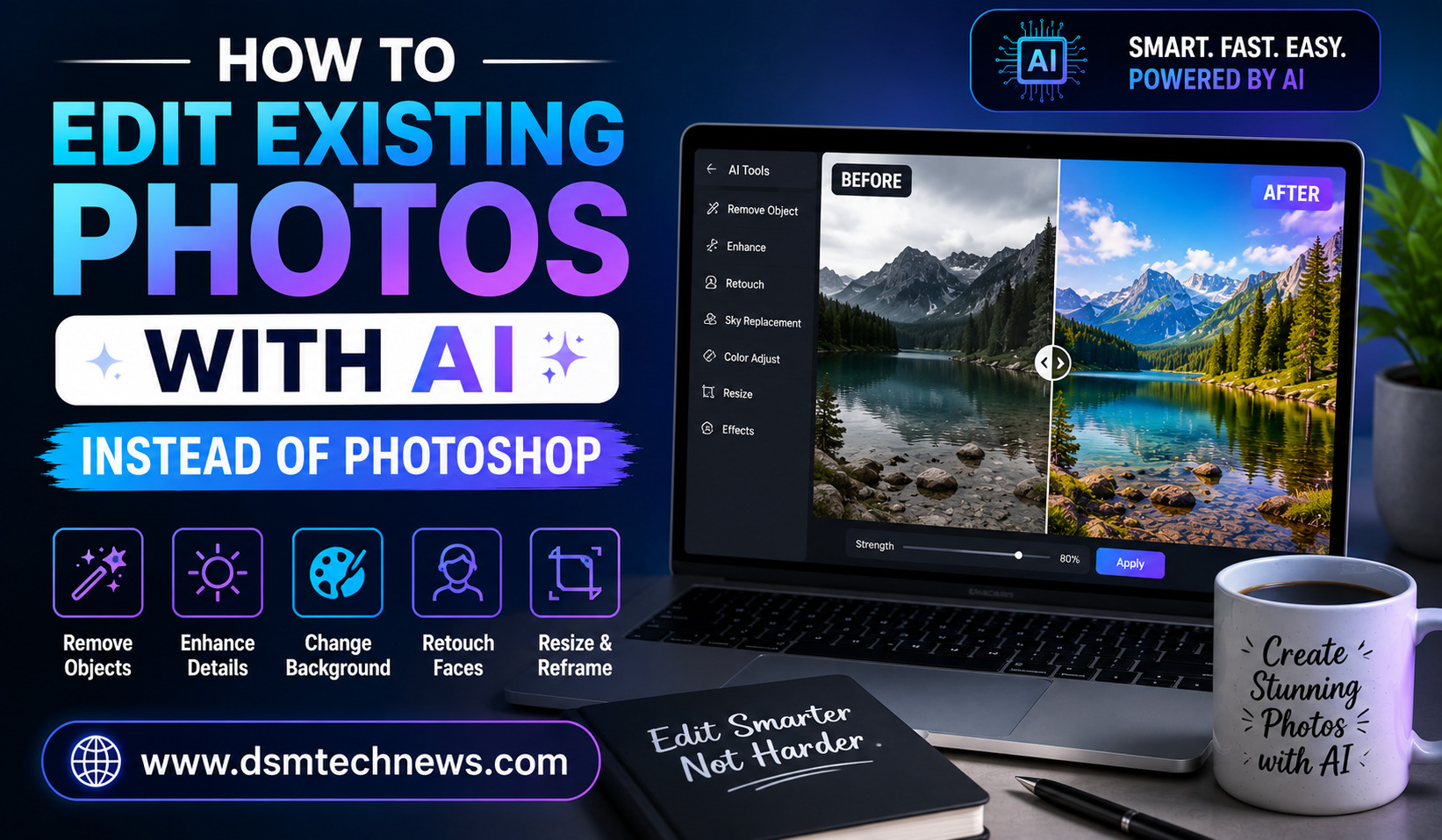
Photo editing has traditionally been associated with professional software such as Photoshop. For years, changing backgrounds, removing unwanted objects, improving image quality, fixing lighting, or making detailed adjustments required technical knowledge and plenty of patience. Today, artificial intelligence is making many of these tasks much easier.
AI photo editing tools can understand the content of an image and make changes based on simple written instructions. Instead of manually selecting an object, creating layers, adjusting masks, and changing dozens of settings, you can often describe what you want and let AI handle much of the work.
This does not mean traditional photo-editing software has become useless. Photoshop and other professional tools still offer extensive control. However, for bloggers, social media creators, marketers, small businesses, photographers, and everyday users, AI can make many common editing tasks considerably faster.
What Does AI Photo Editing Mean?
AI photo editing refers to using artificial intelligence to modify an existing photograph. Instead of creating a completely new image, the AI works with an image you already have and changes specific parts according to your instructions.
For example, you might upload a product photograph and ask the AI to remove the background. You could provide a family photograph and request that an unwanted object in the background be removed. You could also ask an AI tool to brighten a dark image, restore an old photograph, expand the edges of a picture, or replace part of the background.
The important difference is that AI can often understand the context of the image. This allows it to make changes while attempting to preserve the original subject, lighting, perspective, and overall appearance.
Why People Are Moving From Photoshop to AI Editing
The biggest advantage of AI photo editing is simplicity. Traditional editing can require knowledge of layers, masks, selections, brushes, blending modes, and color adjustments. AI tools often replace several of these steps with a natural-language instruction.
Imagine you have a photograph of a person standing in front of a messy room. Instead of manually selecting the person and creating a new background, you may be able to tell an AI editor to replace the room with a clean modern office while keeping the person unchanged.
This can save significant time, especially when you need to edit many images.
AI editing is also becoming useful for people who do not have professional design experience. Bloggers and small-business owners can make useful changes without spending weeks learning complicated software.
How to Edit an Existing Photo With AI
The process is generally straightforward. Start by selecting a good-quality photograph that you want to edit. The better the original image, the more useful the final result is likely to be.
Upload the image into an AI-powered photo editor that supports image editing. Depending on the platform, you may be able to select a particular part of the photograph before entering your instruction.
The next step is to describe the change you want. Be specific about what should be changed and what should remain untouched.
For example, instead of saying:
“Change the background.”
You could write:
“Replace the background with a bright modern office while keeping the person, clothing, facial features, pose, and lighting consistent with the original photograph.”
The second instruction gives the AI a much clearer idea of what you expect.
After generating the edit, inspect the result carefully. If something looks incorrect, refine your instruction and try again. AI editing often works best through small, controlled adjustments rather than trying to completely transform an image in one instruction.
Removing Unwanted Objects
One of the most useful AI editing features is object removal.
Imagine you took a travel photograph and a random person appears in the background. Traditional editing might require selecting the person, cloning surrounding areas, and carefully repairing the background.
With an AI editor, you can often select the unwanted object and instruct the tool to remove it while reconstructing the area behind it.
A useful instruction could be:
“Remove the person standing in the background and naturally reconstruct the wall and surrounding area. Preserve the original lighting, perspective, and texture.”
AI can be particularly helpful when the background contains repetitive patterns such as walls, floors, grass, or skies.
Changing the Background
Background replacement is another popular use of AI.
For example, a business owner may have a simple product photograph taken at home but want a more professional background. Instead of photographing the product again, AI can potentially place it in a studio-style environment.
You could ask:
“Replace the existing background with a clean professional studio backdrop. Keep the product exactly the same and preserve realistic shadows and reflections.”
For portraits, you might request a professional office, outdoor environment, studio background, or another setting.
The key is to make sure the new background matches the original subject’s lighting and perspective. An unrealistic background can make an otherwise good edit look artificial.
Improving Image Quality With AI
AI can also help improve photographs that are blurry, noisy, dark, or low-resolution.
An enhancement tool may analyze the image and attempt to improve sharpness, reduce noise, restore details, and increase resolution.
This can be useful when working with older photographs or images downloaded from devices with limited camera quality.
However, AI enhancement does not magically recover every original detail. If an image is extremely blurry or heavily compressed, the AI may generate details that were not actually present in the original photograph. For important images, always compare the enhanced version with the original.
Fixing Lighting and Exposure
Poor lighting is one of the most common problems with photographs.
An AI editor may help brighten a dark image, reduce excessive highlights, improve shadows, or create a more balanced exposure.
Instead of manually adjusting brightness, contrast, highlights, shadows, and other settings, you can describe the desired result.
For example:
“Improve the lighting while keeping the photograph natural. Brighten the subject’s face, reduce harsh shadows, preserve skin texture, and maintain the original colors.”
This approach can be especially useful for casual photographs and content created quickly for websites or social media.
Restoring Old Photos
AI restoration has become one of the most interesting applications of image editing technology.
Old photographs may contain scratches, dust, fading, noise, tears, or low resolution. AI restoration tools can attempt to clean up these imperfections and improve clarity.
A restoration prompt might request:
“Restore this old photograph while preserving the original facial features, clothing, composition, and historical appearance. Remove scratches and dust, improve contrast, and carefully enhance faded details.”
Restoration should be approached carefully. The goal should be to improve the photograph rather than completely redesign it.
Expanding an Image With AI
Sometimes you have the perfect photograph, but its dimensions do not match your website or social media layout.
AI outpainting can help expand the image beyond its original boundaries. The system generates additional content that attempts to match the existing scene.
For example, if you have a portrait that is too narrow for a website banner, you could expand the background to create additional space around the person.
This is especially useful for blog hero images, advertisements, social media banners, and website headers.
Changing Clothing or Small Visual Details
Some AI editors can modify selected elements within a photograph.
For example, you might change the color of a shirt, modify an accessory, or adjust a specific design element.
A useful instruction would be:
“Change the shirt from blue to black while preserving the person’s face, body shape, pose, lighting, fabric texture, and background.”
Specific instructions are important because you usually want only one element changed rather than the entire photograph regenerated.
Editing Product Photos With AI
AI editing can be particularly valuable for e-commerce businesses.
A seller might have a basic product photograph but need several versions for an online store. AI can potentially remove the background, create a cleaner studio environment, add realistic shadows, or place the product into a lifestyle scene.
For example:
“Place this product on a clean modern desk in a bright home-office environment. Keep the product’s shape, logo, color, proportions, and surface texture unchanged. Add realistic natural shadows.”
This can reduce the need for expensive photography setups for certain types of products.
However, product accuracy is extremely important. AI-generated modifications should not change the actual characteristics of a product in a misleading way.
AI Editing for Social Media
Social media creators can use AI to adapt existing photographs for different platforms and visual styles.
A single photograph can potentially be turned into a square social media post, a vertical story image, or a wide banner by expanding the background and adjusting the composition.
AI can also help remove distractions, improve lighting, change backgrounds, and create different visual variations without requiring extensive manual editing.
This can be useful for creators who need to publish content regularly.
How to Write Better AI Photo Editing Instructions
The quality of your instruction can have a major impact on the result.
Start by explaining exactly what you want changed. Then explain what should remain unchanged.
For example, if you are editing a portrait, mention the person’s face, pose, clothing, and overall appearance if they need to remain untouched.
If you are changing a background, describe the new environment and its lighting.
If you are removing an object, identify its exact location and explain how the surrounding area should be reconstructed.
It is also useful to make one major change at a time. If you ask the AI to replace the background, change clothing, modify lighting, remove objects, and completely alter the composition simultaneously, the result may become less predictable.
AI Photo Editing vs Photoshop
AI editing and Photoshop are not necessarily competing solutions for every situation.
AI is often faster for straightforward changes that can be described in natural language. Removing an object, changing a background, expanding an image, improving quality, or creating variations can often be completed quickly.
Photoshop provides much more manual control. Professional designers may still prefer it when they need precise selections, detailed retouching, complex compositing, advanced color grading, or pixel-level control.
For many users, the best approach may actually be a combination of both. AI can handle repetitive or time-consuming tasks, while traditional editing software can be used for final adjustments.
Things to Check Before Publishing an AI-Edited Photo
AI-generated edits should always be reviewed before publication.
Pay attention to faces, hands, text, logos, product details, reflections, shadows, and repeating patterns. These are areas where AI editing can sometimes create visual inconsistencies.
For commercial work, accuracy is particularly important. A product should not appear to have features it does not actually possess. Similarly, an edited photograph should not create a misleading impression when used in advertising or news-related content.
You should also check the licensing and usage terms of the AI tool you use, especially when creating images for commercial purposes.
Final Thoughts
AI is changing photo editing by making many traditionally complicated tasks easier and faster. You no longer need to master every Photoshop feature to remove an unwanted object, replace a background, improve lighting, restore an old photograph, or expand an image.
The most effective approach is to treat AI as an editing assistant rather than expecting it to produce a perfect result every time. Start with a good-quality photograph, give clear instructions, make focused changes, and carefully review the final image.
For bloggers, businesses, creators, and everyday users, AI photo editing can save time while making professional-looking image improvements more accessible. Photoshop remains valuable for advanced editing, but for many everyday tasks, a well-written AI instruction can accomplish in seconds what once required considerably more manual work.
Photo editing has traditionally been associated with professional software such as Photoshop. For years, changing backgrounds, removing unwanted objects, improving image quality, fixing lighting, or…