
Gemini’s Best Features for Students and Professionals in 2026

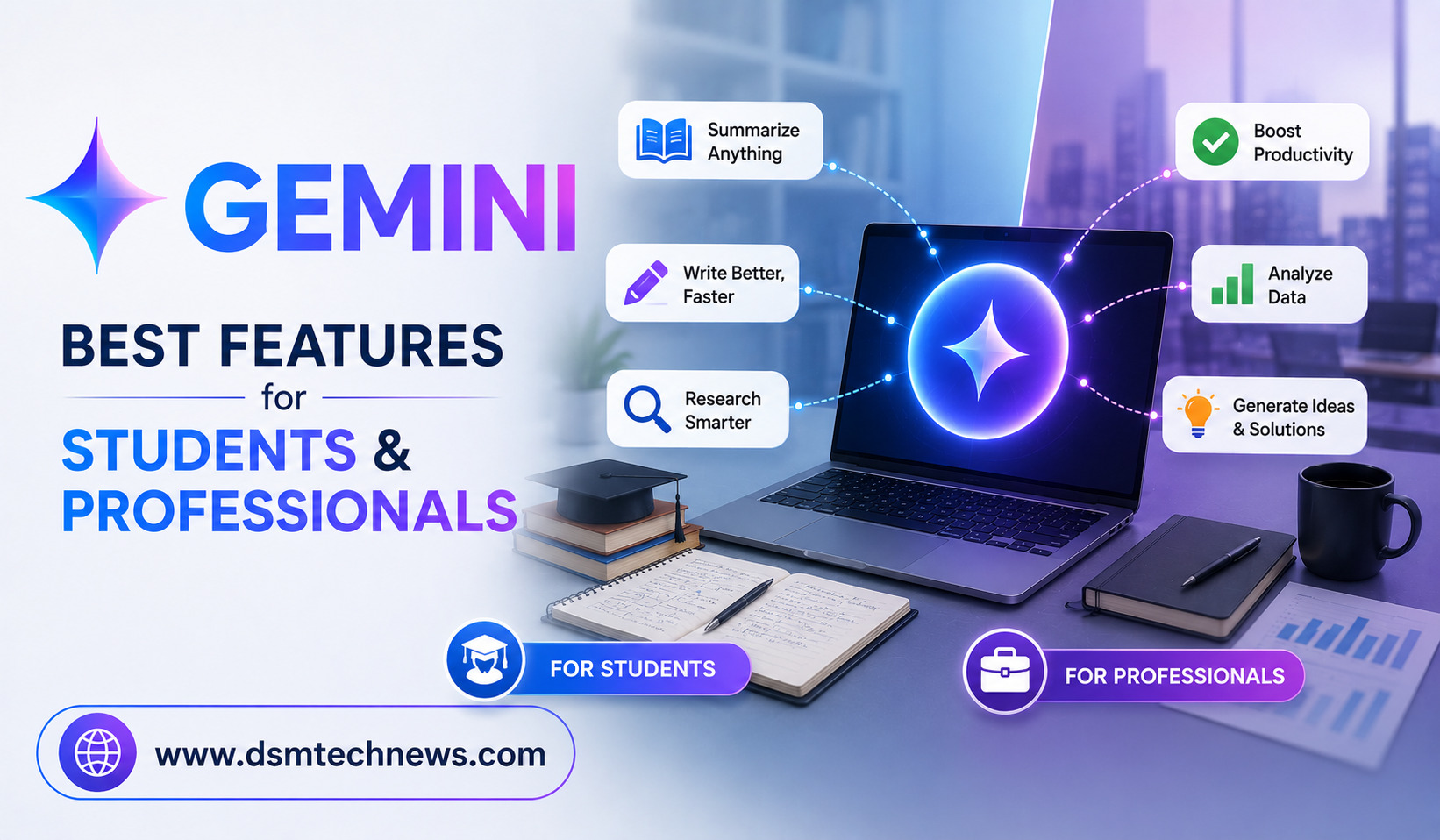
Artificial intelligence is becoming an important part of how people learn, work, research, write, and manage information. Among the growing number of AI assistants available today, Google Gemini stands out because it combines conversational AI with Google’s wider ecosystem of apps and services.
For students, Gemini can help with studying, research, writing, brainstorming, and understanding difficult subjects. For professionals, it can assist with emails, documents, spreadsheets, presentations, meetings, research, and everyday productivity.
Google has also continued expanding Gemini across Workspace. In 2026, Google introduced broader AI capabilities that connect information across apps such as Gmail, Docs, Sheets, Drive, and Chat, making Gemini more useful for tasks that require information from multiple sources.
Here are some of the best Gemini features students and professionals should know about in 2026.
1. AI-Powered Research
Research is one of Gemini’s most useful applications.
Students can use Gemini to explore unfamiliar subjects, understand complicated concepts, compare ideas, generate questions, and organize information before starting an assignment. Professionals can use it to research industries, competitors, technologies, markets, and business topics.
Gemini’s Deep Research capability is designed for more extensive research tasks rather than simple questions. Google has continued expanding access to Deep Research and improving the models behind it.
The biggest advantage is that users can start with a broad question and then refine the research through follow-up prompts.
However, important academic or professional information should still be checked against reliable primary sources before being used.
2. Gemini in Gmail
Email consumes a significant amount of time for both students and working professionals.
Gemini can assist with drafting email responses, summarizing email threads, and identifying important information inside conversations. Google Workspace documentation specifically highlights Gemini’s ability to draft responses, summarize emails, and provide information from email threads.
For students, this can help when communicating with teachers, universities, project teams, or organizations.
For professionals, it can be especially useful when dealing with long conversations. Instead of reading every message from the beginning, AI assistance can help identify the main points and action items.
The user should still review every AI-generated email before sending it, particularly when the message involves clients, managers, or sensitive information.
3. Gemini in Google Docs
Google Docs becomes significantly more useful when AI assistance is available directly inside the writing workflow.
Students can use Gemini to brainstorm essay ideas, improve clarity, organize information, and refine drafts. Professionals can use it to prepare reports, proposals, summaries, business documents, and other written material.
Google has expanded Gemini’s capabilities in Docs, including features designed to create and refine content using relevant Workspace context.
This is particularly useful for people who frequently start with a blank page.
Instead of asking AI to produce an entire finished document without context, users can provide their goal, audience, tone, and source information and then use Gemini as a writing partner.
4. Gemini in Google Sheets
Spreadsheets can become difficult when they contain hundreds or thousands of rows.
Gemini in Google Sheets can help users create, organize, edit, analyze, and visualize spreadsheet data using natural-language instructions. Google has highlighted capabilities for building and editing entire spreadsheets as well as handling complex analytical tasks.
For students, this can be useful for assignments involving budgets, surveys, statistics, or research data.
Professionals can use it for sales reports, financial tracking, marketing analysis, project data, and business dashboards.
Instead of manually searching for the right formula or chart, users can describe the result they want and use Gemini to help build it.
5. Gemini in Google Slides
Creating presentations can be time-consuming, particularly when users need to turn a large amount of information into a clear visual story.
Gemini can help with brainstorming presentation content and creating or improving slides. Google has also announced capabilities for generating editable slide decks using Workspace context and company templates.
Students can use this capability to organize presentations for classroom projects, while professionals can use it for business presentations, proposals, training material, and internal meetings.
The important point is that AI should support the presentation process rather than replace human judgment. Users should verify facts and make sure the final presentation reflects their own understanding.
6. Gemini Can Work With Your Google Workspace Information
One of Gemini’s biggest advantages is its connection with Google’s productivity ecosystem.
Google’s Workspace Intelligence initiative is designed to provide Gemini with a broader understanding of information across Workspace apps, including emails, files, chats, documents, projects, and collaborators.
This can reduce the need to repeatedly copy information from one application into another.
For example, a professional might need to prepare a report based on information contained in emails, documents, and spreadsheets. An AI assistant that can work with relevant Workspace context can make this process more efficient.
For students, connected information can also make it easier to organize research materials and project-related documents.
Availability and functionality depend on the account, Workspace edition, administrator settings, and Google AI plan.
7. Gemini for Coding
Gemini is also useful for students learning programming and professionals developing software.
Students can ask Gemini to explain programming concepts, identify errors, generate examples, or help them understand unfamiliar code.
Professionals can use Google’s coding-focused Gemini tools for code completion, generation, transformation, debugging, and other development tasks.
This makes Gemini useful not only as a coding assistant but also as an interactive programming tutor.
Students should be careful not to rely on AI to complete assignments without understanding the underlying code. The real educational benefit comes from using Gemini to learn why a solution works.
8. Canvas for Creating and Refining Ideas
Gemini’s Canvas provides an interactive environment for creating and refining content. Google has described Canvas as a space where users can work on documents and code and iterate on the result.
For students, Canvas can be useful for developing essays, study material, project ideas, and simple applications.
Professionals can use it to prototype content, create documents, develop code, and refine ideas through multiple iterations.
The interactive nature makes it different from simply asking a chatbot one question and receiving one response.
9. Gems for Personalized AI Assistance
Gemini also offers Gems, which allow users to create customized AI assistants for particular tasks.
A student could create a specialized assistant for studying a particular subject, while a professional could configure one around a recurring workflow.
Google’s Workspace pricing information lists Gems among the Gemini app’s capabilities.
This can be valuable for repetitive tasks because users do not need to explain the same instructions every time they begin a new conversation.
10. Gemini for Meeting Productivity
Meetings often produce large amounts of information that people later need to organize.
Gemini in Google Meet can assist with meeting-related tasks such as summaries, notes, and translation, depending on the Workspace plan and available features. Google’s Workspace plans include AI-powered Meet capabilities for summarizing, translating, and taking notes.
For professionals, this can help turn meetings into actionable information.
Students working on group projects can also benefit when their educational Workspace account provides the relevant features.
11. Visual and Multimodal AI
Gemini is not limited to text.
It can work with different types of information, making it useful for analyzing images, understanding visual material, and exploring complex concepts.
Google has also highlighted interactive visualizations that can help users understand difficult questions.
For students, this can be useful when studying diagrams, charts, scientific concepts, or visual learning material.
Professionals can use multimodal capabilities for presentations, documents, product ideas, and visual analysis.
12. AI for Everyday Productivity
Perhaps the biggest advantage of Gemini is that it can support many small tasks throughout the day.
A student might use it to create a study plan, summarize notes, generate practice questions, explain a difficult topic, and improve a presentation.
A professional might use it to summarize emails, draft documents, analyze spreadsheet data, prepare presentations, research a topic, and organize meeting information.
Instead of being used for one specific purpose, Gemini can become a general productivity assistant.
Gemini for Students vs Professionals
The best Gemini features depend on how the tool is being used.
For students, the most valuable capabilities are likely research assistance, explanations, writing support, study help, document creation, spreadsheet analysis, and presentation preparation.
For professionals, Workspace integration becomes especially important. Gmail, Docs, Sheets, Drive, Meet, and Chat can work together with Gemini to reduce repetitive information-management tasks. Google describes Workspace with Gemini as AI integrated into everyday applications including Gmail, Docs, Sheets, Meet, Chat, and Vids.
This makes Gemini particularly attractive to people who already rely heavily on Google Workspace.
What Are Gemini’s Limitations?
Despite its capabilities, Gemini should not be treated as an infallible source of information.
AI can make mistakes, misunderstand instructions, produce inaccurate information, or generate content that requires editing. Students should verify academic information, while professionals should carefully check business, financial, legal, technical, or other high-impact information.
Access also varies. Google notes that features and data handling can depend on the Workspace license for work or school accounts. Some advanced Gemini capabilities also have usage limits or require eligible Google AI or Workspace plans.
The best results come from combining AI assistance with human judgment.
Final Thoughts
Gemini has evolved into much more than a simple AI chatbot. In 2026, its biggest strength is the combination of conversational AI with Google’s ecosystem of productivity and information-management tools.
For students, Gemini can make research, studying, writing, presentations, and data analysis easier. For professionals, its integration with Gmail, Docs, Sheets, Drive, Meet, and other Workspace applications can help reduce repetitive work and improve productivity.
The most effective way to use Gemini is not to ask it to do everything for you. Instead, use it to accelerate the tasks that consume time while keeping control over decisions, accuracy, creativity, and final results.
As Google’s AI capabilities continue to expand, Gemini is becoming an increasingly useful tool for anyone who wants to learn faster, work smarter, and get more done with the tools they already use every day.
Artificial intelligence is becoming an important part of how people learn, work, research, write, and manage information. Among the growing number of AI assistants available…