
Gemini in Google Sheets: Turn Data Into Dashboards With AI

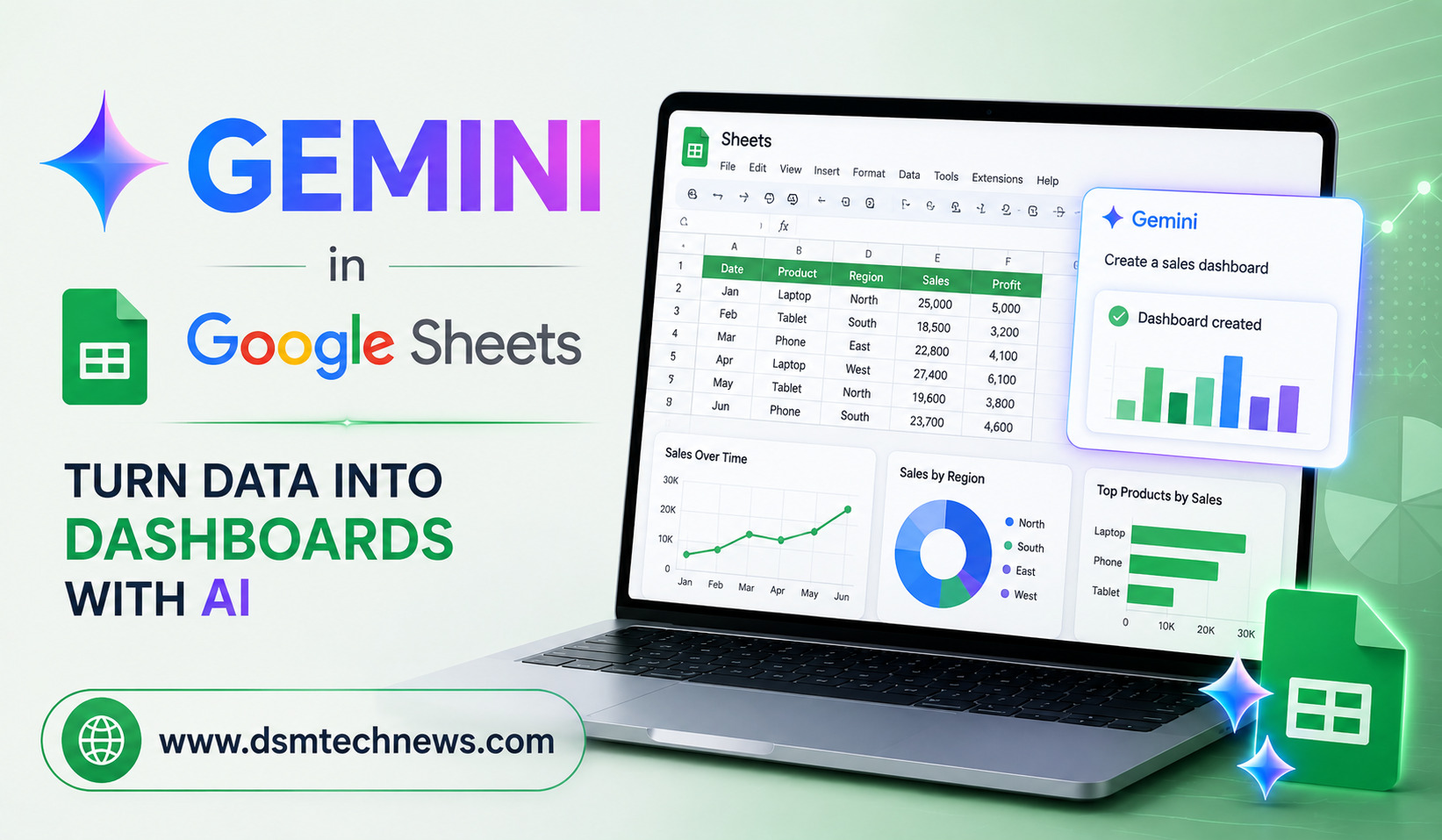
Google Sheets has long been one of the most useful tools for organizing business data, tracking performance, managing budgets, and creating reports. But turning a large spreadsheet into a clear, professional dashboard can still take considerable time. This is where artificial intelligence is changing the way people work with spreadsheets.
Gemini in Google Sheets brings AI-powered assistance directly into the spreadsheet workflow. Instead of manually analyzing rows and columns, creating formulas, and designing charts from scratch, users can describe what they want and use AI to speed up many parts of the process.
For business owners, marketers, students, analysts, and content creators, Gemini can make spreadsheet data easier to understand and transform raw information into more useful visual reports.
What Is Gemini in Google Sheets?
Gemini is Google’s generative AI technology integrated into various Google Workspace products, including Google Sheets. Its role in Sheets is to help users work with information more efficiently by assisting with tasks such as organizing data, generating formulas, identifying trends, creating tables, and supporting data analysis.
Rather than treating a spreadsheet simply as a collection of cells, Gemini can help users understand what the information means and how it can be presented.
For example, imagine you have several months of sales data containing product names, regions, sales numbers, order counts, and revenue. Instead of manually reviewing every column, you can use AI assistance to identify important patterns and determine which information would be most useful in a dashboard.
The goal is not to eliminate spreadsheets or traditional analysis. Instead, Gemini can reduce repetitive work and help users move more quickly from raw data to useful insights.
How Gemini Can Help Turn Spreadsheet Data Into a Dashboard
A dashboard usually combines important metrics, tables, charts, and visual summaries in one place. Creating one manually can involve several steps, including cleaning the data, calculating metrics, selecting charts, and arranging the spreadsheet.
Gemini can assist with parts of this process.
You might begin with a spreadsheet containing sales information. You can ask AI to help identify the most important metrics, such as total revenue, monthly sales, average order value, top-performing products, or regional performance.
Once the important metrics are identified, you can create formulas and charts around them. This can make the dashboard-building process much faster, especially for users who are not comfortable with advanced spreadsheet functions.
Start With Clean and Organized Data
AI works best when the information in a spreadsheet is structured properly. Before building a dashboard, make sure your data has clear column headings and consistent entries.
For example, a sales spreadsheet might contain columns for Date, Product, Category, Region, Orders, Revenue, and Profit.
Avoid mixing different types of information in the same column. Dates should be stored consistently, numerical values should be formatted as numbers, and duplicate or unnecessary records should be reviewed.
Gemini can help with organizing and working with spreadsheet information, but users should still check their source data carefully. An AI-generated result is only as reliable as the information being analyzed.
Use Gemini to Understand Your Data
One of the biggest advantages of AI in spreadsheets is that it can make data analysis more accessible.
A user who does not know advanced formulas can describe a goal in ordinary language. For example, they might want to understand which products generated the most revenue or which month recorded the strongest sales.
Instead of searching for the right formula or manually sorting the spreadsheet, the user can use Gemini to assist with the analysis.
This is particularly useful when working with large datasets where important patterns may not be immediately obvious.
AI can help users approach their spreadsheets with questions rather than simply looking at numbers. That shift can make data analysis more useful for everyday decision-making.
Generate Formulas With AI Assistance
Formulas are one of the most powerful features of Google Sheets, but they can also be confusing for beginners.
Functions such as SUMIFS, COUNTIFS, FILTER, QUERY, INDEX, MATCH, and other advanced formulas can require practice and experience.
Gemini can help users create or understand formulas based on what they are trying to accomplish.
For instance, if you want to calculate revenue for a particular region or compare sales between two periods, you can explain the desired result and use AI assistance to develop an appropriate spreadsheet formula.
This can save time and also provide an opportunity to learn. Users can examine the suggested formula and understand how it works instead of simply copying a formula from an unrelated tutorial.
However, formulas should always be checked before they are used for important business decisions.
Create Charts That Make Data Easier to Read
A dashboard becomes much more useful when numbers are presented visually.
Google Sheets supports different chart types, including bar charts, line charts, pie charts, and other visualizations. Gemini can help users determine what information should be highlighted and assist with creating useful visual representations.
For example, a line chart can show how sales change over time, while a bar chart can compare different products or regions.
The key is to choose a chart based on the question you are trying to answer. A dashboard should not contain charts simply because they look attractive. Every visual should communicate something meaningful.
With AI assistance, users can move more quickly from a question such as “How have monthly sales changed?” to a visual representation that makes the answer easier to see.
Build Interactive Business Dashboards
For small businesses, dashboards can become a practical way to monitor performance without investing in complicated business intelligence software.
A business owner could maintain a Google Sheet containing sales and customer information and create a dashboard showing important performance indicators.
The dashboard might display revenue trends, sales by product, regional performance, order volume, and other useful measurements.
When the underlying data is updated, the dashboard can be updated as well, depending on how the formulas, ranges, pivot tables, and charts have been configured.
This makes Google Sheets particularly useful for teams that need a lightweight reporting system.
Gemini Can Help With Reporting and Summaries
Another useful application is turning spreadsheet findings into understandable summaries.
Numbers can sometimes be difficult to communicate to people who do not regularly work with data. AI assistance can help users interpret information and prepare a concise explanation of important trends.
For example, a marketing team could analyze campaign data and identify which channels generated the strongest results. Instead of presenting a large spreadsheet during a meeting, the team can use the data to create a dashboard and explain the most important findings.
This can make meetings more focused because team members can spend less time discussing what the numbers are and more time deciding what to do about them.
Examples of Gemini-Powered Dashboard Ideas
Gemini in Google Sheets can be useful for many different types of dashboards.
A sales dashboard could track revenue, orders, products, and monthly performance. A marketing dashboard could monitor campaign results, leads, conversions, and advertising performance. A finance dashboard could organize income, expenses, savings, and budgets.
A website owner could create a content dashboard to track published articles, traffic-related data, content categories, and publishing activity.
The same basic approach can be adapted to education, project management, inventory tracking, customer support, and many other areas.
Important Things to Remember When Using AI in Sheets
Although Gemini can make spreadsheet work easier, users should not treat AI as an automatic replacement for human judgment.
Always verify formulas, calculations, summaries, and conclusions before relying on them. This is especially important when spreadsheet data is being used for financial, business, or operational decisions.
Privacy should also be considered. Organizations should follow their internal policies when working with sensitive business information and understand the applicable Google Workspace data and security settings.
The best approach is to use AI as an assistant rather than an unquestioned authority.
The Future of AI-Powered Spreadsheets
The integration of AI into Google Sheets represents a broader change in how people interact with data.
In the past, spreadsheet productivity depended heavily on knowing formulas, functions, shortcuts, and manual workflows. AI is making it increasingly possible to describe a desired outcome in natural language and receive assistance with the steps required to reach it.
This could make advanced data analysis accessible to more people. Instead of requiring every employee to become a spreadsheet expert, businesses can use AI to help employees perform common analytical tasks more efficiently.
As AI-powered spreadsheet features continue to evolve, dashboards may become less about manually building complex reports and more about asking questions, exploring information, and turning insights into decisions.
Conclusion
Gemini in Google Sheets can make the journey from raw spreadsheet data to a useful dashboard much easier. It can assist with organizing information, creating formulas, analyzing trends, and developing visual reports.
For businesses and individual users, the biggest benefit is not simply automation. It is the ability to spend less time on repetitive spreadsheet tasks and more time understanding what the data is saying.
A well-designed dashboard still requires clean data, thoughtful metrics, accurate calculations, and human judgment. But with Gemini providing AI assistance inside Google Sheets, creating that dashboard can become faster and more accessible.
For anyone who regularly works with spreadsheets, learning how to combine Google Sheets with AI could become an important productivity skill in 2026 and beyond.
Google Sheets has long been one of the most useful tools for organizing business data, tracking performance, managing budgets, and creating reports. But turning a…