
ChatGPT for Content Creators: 20 Powerful Workflows

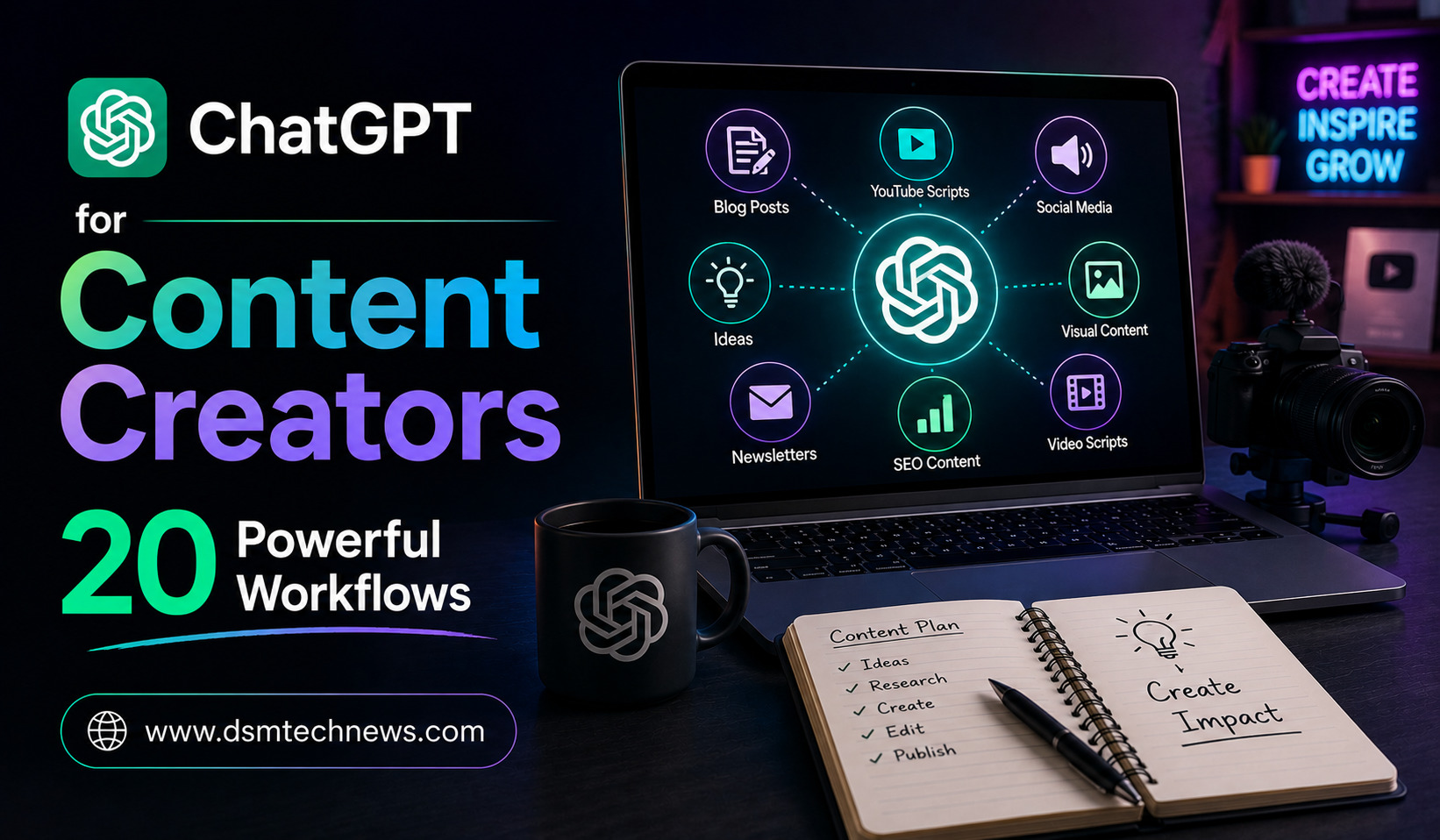
Content creation looks simple from the outside, but anyone who runs a blog, YouTube channel, newsletter, social media account, or online business knows how much work happens behind every piece of content. Finding ideas, researching topics, writing drafts, creating visuals, optimizing content, and promoting the final result can take hours.
ChatGPT can help content creators reduce much of that workload.
The biggest advantage is not simply asking ChatGPT to “write something for me.” The real value comes from building repeatable workflows where ChatGPT helps with several stages of the content process.
From finding topics to repurposing finished articles, here are 20 powerful ChatGPT workflows that content creators can use to work faster and more consistently.
1. Generate Content Ideas From One Topic
Start with a broad topic and ask ChatGPT to turn it into multiple content ideas.
For example, if your niche is artificial intelligence, you could ask ChatGPT to generate ideas for beginner guides, comparisons, tutorials, opinion pieces, news explainers, and practical use cases.
Instead of constantly wondering what to publish next, you can build a large pool of ideas from a single subject.
The important part is to give ChatGPT your target audience and content goals so the suggestions are more relevant.
2. Build a Monthly Content Calendar
Once you have ideas, ChatGPT can organize them into a publishing schedule.
Give it your preferred publishing frequency, content categories, target audience, and major dates or events.
You can ask it to create a balanced calendar that mixes educational content, trending topics, evergreen articles, promotional posts, and community-focused content.
This helps prevent your content strategy from becoming a collection of unrelated posts.
3. Turn Keywords Into Article Topics
SEO-focused creators can use ChatGPT to transform keyword research into content ideas.
Instead of simply providing a keyword and asking for an article, give ChatGPT a list of target keywords and ask it to group them by search intent.
It can help distinguish informational searches from comparison, commercial, and tutorial-based searches.
You can then turn those keyword groups into content clusters and build a more organized website structure.
Always validate search volume, competition, and actual search results with dedicated SEO tools rather than relying entirely on AI suggestions.
4. Create Strong Article Outlines
A detailed outline can make writing considerably easier.
Give ChatGPT your article topic, target keyword, audience, desired length, and search intent.
Ask it to create an outline that moves logically from the introduction to the conclusion.
You can also ask it to identify questions readers are likely to have and incorporate them naturally into the structure.
A good outline gives you direction without forcing you to use AI-generated wording for the final article.
5. Research a Topic Faster
ChatGPT can help you create a research plan before writing.
For current topics, use available web-search capabilities to locate recent information and sources. For more complicated subjects, Deep Research can investigate multiple sources and produce a structured report with citations.
This is useful when you need to understand a topic before creating original content.
The best approach is to use ChatGPT to identify useful information and then check important claims against the original sources.
6. Turn Research Into Original Angles
Finding the same information as everyone else does not automatically create interesting content.
After collecting research, ask ChatGPT:
“What original angles could I explore that are not simply repeating the common points?”
It can suggest comparisons, practical examples, unanswered questions, audience-specific perspectives, and alternative ways to explain the subject.
You should then add your own experience, analysis, examples, and opinions to make the content genuinely distinctive.
7. Create Multiple Headlines
A strong headline can influence whether someone clicks on your content.
Give ChatGPT the article topic and ask for different headline styles, such as educational, curiosity-driven, benefit-focused, straightforward, and search-friendly.
Instead of selecting the first suggestion, compare several options and choose one that accurately represents the content.
Avoid misleading clickbait. A headline should create interest without promising something the article does not deliver.
8. Write Better Introductions
The opening paragraph needs to quickly explain why the reader should continue.
Give ChatGPT your topic, audience, and main benefit and ask for several possible opening approaches.
You can experiment with a problem-based introduction, a surprising observation, a direct question, or a relatable scenario.
Then rewrite the selected version in your own voice.
9. Simplify Complex Information
One of ChatGPT’s strongest uses for creators is explaining difficult subjects in simple language.
If you are writing about AI, finance, technology, science, or business, technical information can quickly become difficult for general readers.
Give ChatGPT a complicated explanation and ask it to identify the core idea, remove unnecessary jargon, and explain the concept using an everyday example.
This can help creators make specialized topics more accessible without removing their important meaning.
10. Improve Existing Drafts
ChatGPT does not always need to create content from scratch.
You can paste your own draft and ask it to identify unclear sentences, repetition, weak transitions, awkward phrasing, or sections that need more explanation.
For example:
“Review this article for clarity and structure. Do not rewrite it completely. Identify areas that could be improved and explain why.”
This approach allows you to maintain your original voice while using AI as an editorial assistant.
11. Create SEO-Friendly Content Without Keyword Stuffing
SEO writing is more than inserting a keyword repeatedly.
ChatGPT can help identify natural places for keywords, related questions, subtopics, internal-link opportunities, title ideas, meta descriptions, and FAQ sections.
You can ask it to review whether an article satisfies the likely search intent behind a target query.
However, SEO recommendations should complement genuine usefulness. Search engines and readers ultimately benefit from content that answers questions clearly rather than content created primarily to manipulate rankings.
12. Create Meta Titles and Descriptions
Once an article is finished, ChatGPT can generate several options for SEO titles and meta descriptions.
Provide the main keyword, article topic, audience, and desired tone.
You can then select a concise version that accurately describes the page.
This workflow is particularly useful when publishing many articles because it reduces repetitive optimization work.
13. Repurpose One Article Into Social Content
A finished blog post can become the starting point for several pieces of content.
Give ChatGPT the article and ask it to extract important ideas for social media posts.
You can turn one article into short LinkedIn posts, X posts, Instagram captions, Facebook content, newsletter sections, or discussion questions.
The important thing is to adapt each version to the platform instead of copying the entire article everywhere.
14. Turn Videos Into Multiple Content Formats
Creators who publish videos can use transcripts as raw material.
Upload or provide a transcript and ask ChatGPT to identify the strongest points, quotes, lessons, questions, and potential short-form clips.
You can then create blog posts, social captions, newsletters, video descriptions, and short-video scripts from the same source material.
This creates a content repurposing workflow that can significantly extend the value of one piece of original content.
15. Create YouTube Scripts
YouTube creators can use ChatGPT during the planning and scripting stages.
Give it the video topic, audience, desired duration, tone, and key points.
Ask for a structure containing a strong opening, logical sections, examples, transitions, and a conclusion.
However, don’t let the script become overly robotic. Add personal stories, opinions, demonstrations, and natural language that reflect your own presentation style.
16. Improve YouTube Titles and Descriptions
ChatGPT can also help optimize supporting YouTube content.
Give it the video subject and audience and ask for title variations, descriptions, chapter ideas, thumbnail concepts, and calls to action.
You can test different approaches rather than relying on one generic title.
The best title should remain accurate while making the video’s value immediately clear.
17. Create Newsletter Content
Email newsletters often require creators to produce fresh content consistently.
ChatGPT can help transform research, blog posts, product updates, or personal observations into newsletter drafts.
You can ask it to create a subject-line shortlist, opening paragraph, main sections, and call to action.
For better results, give ChatGPT examples of your existing newsletter style and then edit the output so the final version sounds like you.
18. Create Visual Concepts and Image Prompts
Content creators frequently need visuals for blogs, social media, presentations, and videos.
ChatGPT can help develop concepts for these visuals.
For example, you can provide an article title and ask for several image concepts, composition ideas, text-overlay suggestions, and prompts for an AI image generator.
This can make it easier to maintain a consistent visual identity across different pieces of content.
19. Build a Content Repurposing System
Instead of repurposing content randomly, create a repeatable system.
For every major article, you could have ChatGPT help generate a short social post, a newsletter section, several discussion questions, a video concept, and additional content ideas.
For every long-form video, you could create a blog outline, short-video concepts, social posts, and an email newsletter.
This turns one piece of original content into an entire content ecosystem.
20. Create a Repeatable Content Workflow With Projects
If you create content regularly, ChatGPT Projects can help keep your workflow organized.
You can create a dedicated Project for your website, YouTube channel, newsletter, or content business and keep relevant instructions, reference files, previous conversations, and research material together.
For example, a content Project could contain your editorial guidelines, preferred writing style, target audience, SEO strategy, brand information, and previous articles.
This reduces the need to repeat the same background information every time you start a new conversation.
How to Get Better Results From These Workflows
The quality of ChatGPT’s output depends heavily on the information you provide.
Instead of saying:
“Write a blog about AI.”
give it useful context:
“Create an outline for a beginner-friendly article about how small businesses can use AI automation in 2026. The audience is Indian small-business owners. Focus on practical examples, avoid unnecessary technical terminology, and target readers who have little experience with AI.”
The second prompt gives ChatGPT a clear assignment.
You can improve results further by providing examples of your preferred writing style, explaining what you don’t want, and asking ChatGPT to critique or improve its own first draft.
Don’t Let AI Replace Your Original Voice
The biggest risk for content creators is producing content that feels generic.
If every creator uses AI to generate the same type of article, simply publishing AI-generated text will not provide much differentiation.
Your experience, opinions, examples, expertise, observations, and storytelling are what make content memorable.
Use ChatGPT for research, brainstorming, organization, editing, repurposing, and repetitive tasks, but add your own perspective wherever possible.
Final Thoughts
ChatGPT can become much more valuable when treated as a complete content workflow assistant rather than a simple writing tool.
You can use it to generate ideas, research topics, build outlines, improve drafts, support SEO, create social content, develop video scripts, repurpose articles, plan newsletters, and organize your entire publishing process.
The most effective creators will not necessarily be those who ask AI to create everything for them. They will be the ones who know where AI saves time and where human creativity matters most.
Build a repeatable workflow around your own strengths, use ChatGPT for the repetitive parts, and keep your unique voice at the center of the content.
Content creation looks simple from the outside, but anyone who runs a blog, YouTube channel, newsletter, social media account, or online business knows how much…