
10 New Gemini Features You Should Try in 2026

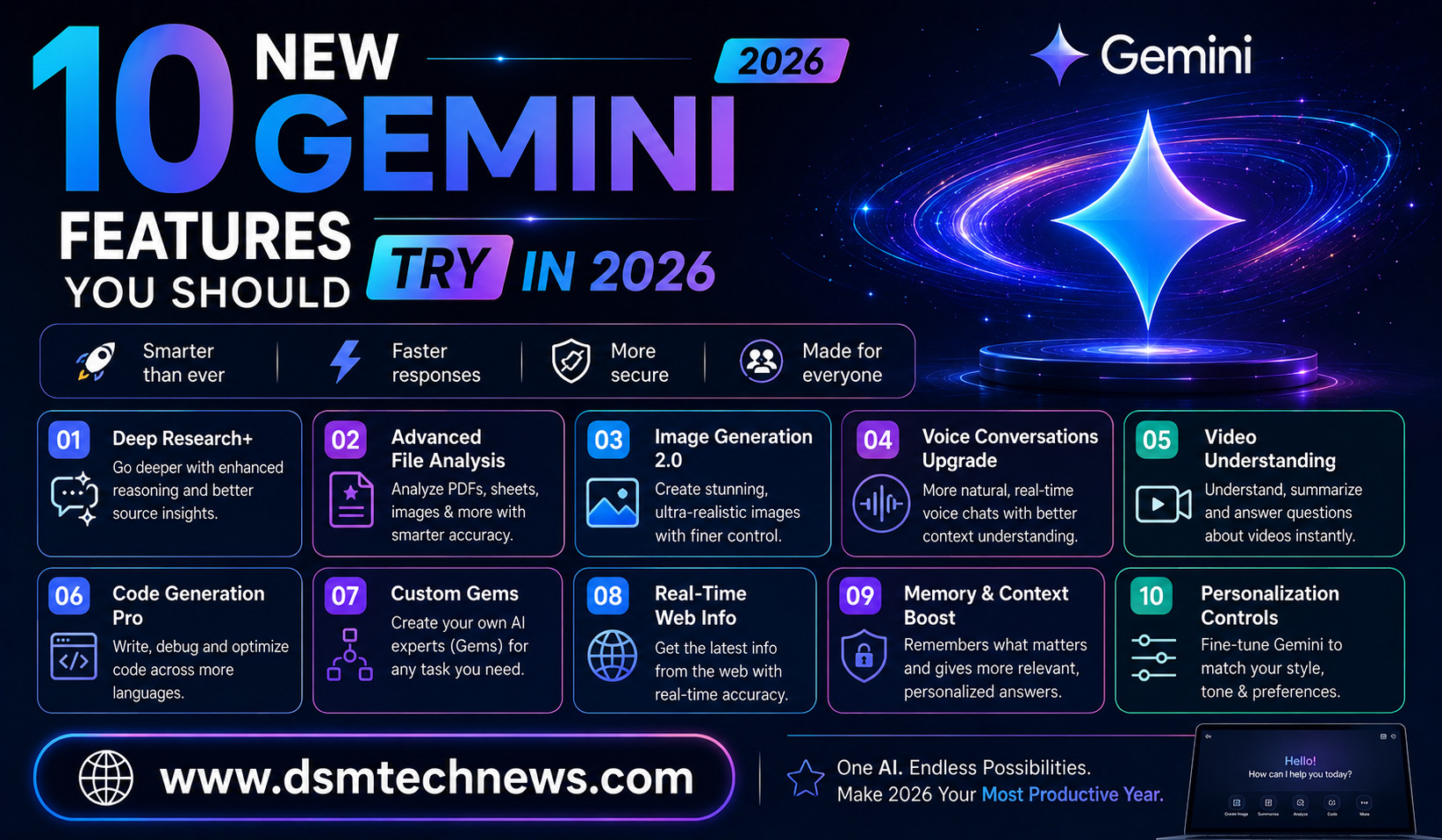
Google Gemini has evolved significantly in 2026. What began primarily as an AI chatbot has increasingly become a broader assistant for research, creativity, productivity, image generation, education, and even multi-step tasks.
Google has introduced new models and features throughout the year, including improved Gemini Live conversations, personalized intelligence, AI-powered image creation, Notebooks, Canvas, music generation, and agent-style capabilities.
If you have not explored Gemini recently, you may be missing some of its most useful capabilities. Here are 10 new Gemini features worth trying in 2026.
1. Gemini Live With Better Conversations
Gemini Live has become more natural and useful for longer conversations.
Google’s March 2026 update improved Gemini Live conversations by making them faster and allowing the system to retain context for longer. This means you can have a more natural back-and-forth conversation without repeatedly explaining what you were discussing.
This can be useful when brainstorming ideas, practicing a presentation, discussing a project, learning a new subject, or simply thinking through a complicated problem.
Instead of treating every message as a separate question, Gemini can increasingly follow the flow of the conversation.
2. Create Personalized AI Images
AI image generation is one of Gemini’s most interesting creative upgrades in 2026.
Google introduced improved personalized image creation using Personal Intelligence and its Nano Banana image technology. Users can create images based on their interests and, where available, reference their own photos.
The useful part is that you do not necessarily have to write a long description of yourself every time. Gemini can use permitted personal context to make image prompts more relevant.
For example, you could create a travel-style image featuring yourself, experiment with different visual styles, or transform a personal photograph into a creative scene.
Users can also refine the generated result and replace reference images when they want more control.
3. Personal Intelligence
Personal Intelligence is one of the biggest changes in how Gemini can work with users.
Instead of treating every request as an isolated conversation, Gemini can connect with selected Google apps and services to provide responses based on more personal context. Google announced the expansion of Personal Intelligence in 2026, including connections with users’ favorite Google apps.
This can make Gemini more useful for planning, organizing information, finding relevant details, and completing tasks that depend on your existing digital information.
The feature also makes privacy controls particularly important. Users should understand which services are connected and what information Gemini can access.
4. Gemini Notebooks
If you work on long-term projects, Gemini Notebooks is a feature worth exploring.
Google introduced Notebooks as a way to organize conversations, research, and project information. Gemini’s 2026 updates also brought NotebookLM capabilities into the Gemini app, making it easier to manage research-related work in one place.
Instead of having important information spread across multiple chats, you can keep related material together.
This could be useful for bloggers researching articles, students preparing for exams, entrepreneurs planning businesses, or anyone working on a project that requires information from several sources.
5. Canvas for Creating Documents, Apps and More
Canvas has become more powerful as a creative and productivity workspace inside Gemini.
Google’s support documentation says Canvas can be used to create or edit documents, apps, slides, and code. It can also transform creations into formats such as Audio Overviews and quizzes.
This makes Canvas different from simply asking Gemini to write something in a chat.
You can use it as a workspace where an idea develops into a more structured project.
For example, you could ask Gemini to help create an article, turn information into a presentation, build a simple interactive app, or work on a piece of code.
For creators and students, this can significantly reduce the gap between an idea and a finished project.
6. Generate Audio Overviews
Gemini can also turn written information into an audio-style discussion.
Audio Overviews can create podcast-like conversations from documents, slides, NotebookLM notebooks, and Deep Research reports.
This is particularly useful when you want to consume information while doing something else.
Imagine uploading research material and turning it into an audio conversation that you can listen to while commuting or exercising.
For students, it can provide another way to review study material. For content creators, it can help transform research into a more accessible format.
7. Create Quizzes and Study Materials
Students have another useful Gemini feature to explore in 2026.
Gemini Apps can create quizzes, flashcards, practice tests, and study guides. Google’s support documentation specifically lists these tools as available for creating and sharing study materials.
Instead of simply asking an AI to summarize a chapter, students can ask it to test their understanding.
For example, after studying a topic, you could ask Gemini to create a practice test without showing the answers immediately. You can then answer the questions and use Gemini to identify areas that need more revision.
This turns Gemini from a simple answer engine into a more interactive study assistant.
8. Create Music With Gemini
Gemini’s creative capabilities have expanded beyond text and images.
Google introduced Lyria 3, its music-generation model, in 2026. The February Gemini update allowed users to create short custom tracks using text or images, while later updates expanded the available music-generation capabilities.
This means users can experiment with music without needing traditional production software.
You can describe a mood, concept, or musical direction and use AI to explore what it sounds like.
For content creators, this could be useful for experimenting with background music and creative concepts. However, anyone using generated music commercially should check the applicable usage and licensing terms before publishing it.
9. Gemini Spark for Multi-Step Tasks
One of the biggest trends in Gemini during 2026 is the move from answering questions to performing tasks.
Gemini Spark is Google’s agent-oriented experience designed to help users get things done, including tasks that can continue working after a user closes their laptop. Google announced that Spark was expanding globally in July 2026.
This reflects a broader shift toward agentic AI.
Instead of asking, “How do I do this?”, users can increasingly ask AI to help carry out a sequence of actions.
That could eventually make AI useful for research, online errands, planning, information gathering, and other repetitive digital tasks.
Because agentic systems can interact with external services, users should still review important actions before allowing AI to complete sensitive tasks.
10. Gemini Features Inside Google Workspace
Gemini is becoming more deeply integrated with Google’s productivity applications.
Google announced updates in 2026 that allow Gemini to help with documents, spreadsheets, presentations, and files. It can also find information across files and emails to provide answers based on that information.
This can be particularly valuable for people who already use Google Workspace every day.
Instead of copying information from one application into another, Gemini can increasingly work with information within the Google ecosystem.
For example, it can help draft documents, work with spreadsheet data, assist with presentations, or locate relevant information stored in files and emails.
Some of these advanced Workspace capabilities depend on Google AI subscription plans, so availability can vary by account and region.
Why Gemini Is Becoming More Than a Chatbot
The biggest change in Gemini during 2026 is not one individual feature. It is the way multiple capabilities are being connected.
Gemini can now help users research information, create images, generate audio, produce music, build documents, create apps, study through interactive materials, access personal context, and perform more complicated tasks.
Google’s broader AI strategy is increasingly focused on combining intelligence with action. Its latest Gemini models are being developed to support complex workflows and agent-style experiences rather than simply generating answers.
This means the way people use Gemini is changing.
Instead of asking one question at a time, users can increasingly give Gemini a goal and allow it to help with several stages of the process.
Which Gemini Features Should You Try First?
If you are new to the latest Gemini features, start with the tools that match your daily needs.
For creative work, try personalized image generation and Canvas. For research, explore Notebooks and Deep Research. For studying, experiment with quizzes, flashcards, and Audio Overviews. If you use Google Workspace heavily, explore Gemini’s integration with Docs, Sheets, Slides, Drive, and other services.
If you are interested in the future of AI assistants, Gemini Live and Gemini Spark are particularly worth exploring because they demonstrate Google’s movement toward more conversational and agentic AI.
Remember that feature availability, usage limits, and subscription requirements can vary. Google states that some Gemini features, including Deep Research and media generation, consume usage allowances, while certain advanced capabilities are available only through specific Google AI plans.
Final Thoughts
Gemini in 2026 is becoming much more than a traditional chatbot. Google’s latest updates show a clear move toward an AI assistant that can understand context, create different types of media, organize information, help with productivity, and perform increasingly complex tasks.
The most exciting part is how these features work together. You can research a topic, organize the findings, create a document, generate supporting visuals, turn the material into an audio overview, and even create study questions without constantly switching between different AI tools.
For everyday users, the best approach is to experiment with the features that solve real problems rather than trying to use everything at once.
As Gemini continues to evolve throughout 2026, its biggest advantage may ultimately be the combination of conversation, creativity, personal context, and action in a single AI ecosystem.s
Google Gemini has evolved significantly in 2026. What began primarily as an AI chatbot has increasingly become a broader assistant for research, creativity, productivity, image…