
15 ChatGPT Features Most Users Still Don’t Know About

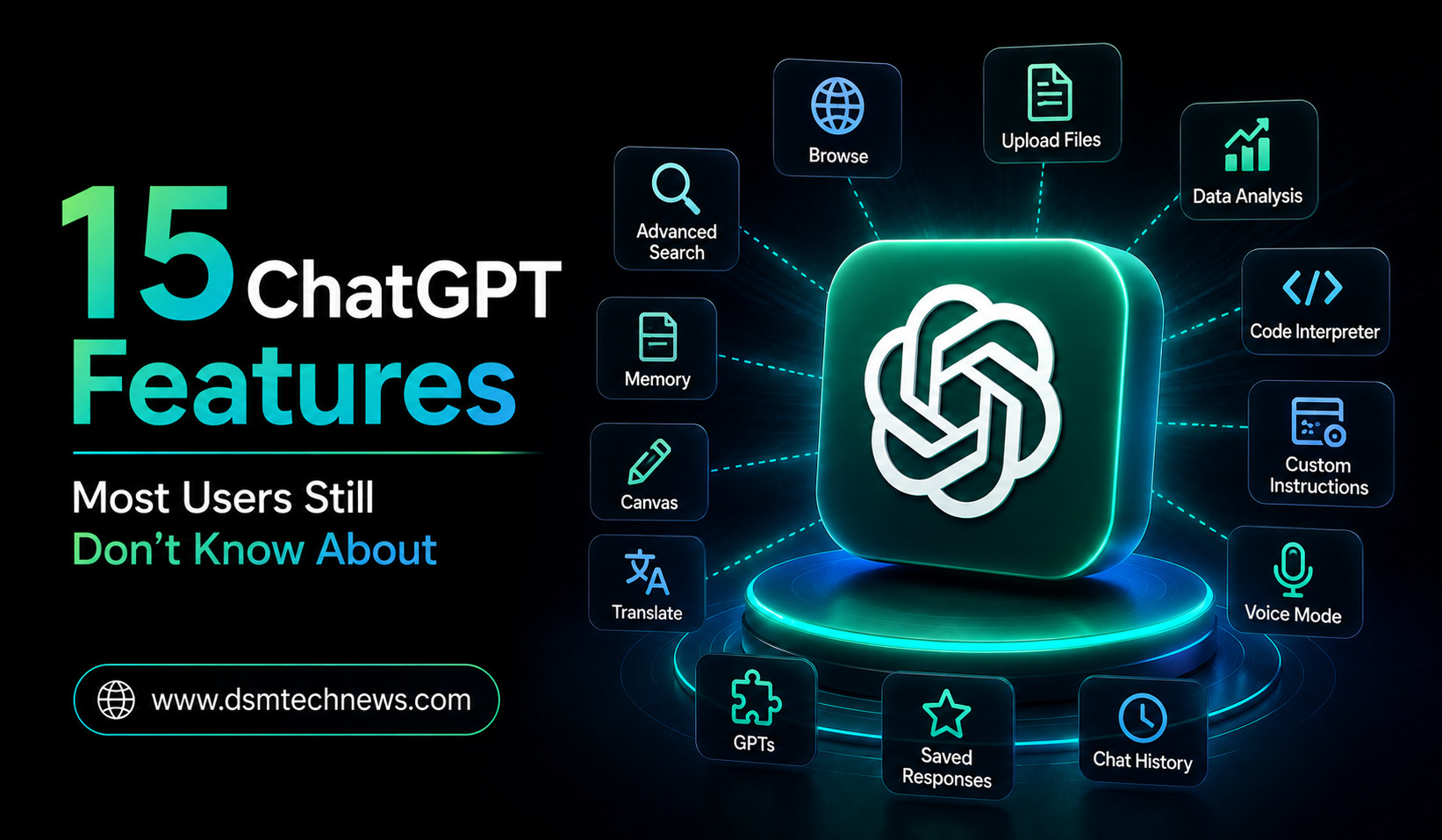
ChatGPT has evolved far beyond a simple chatbot. Many people still use it mainly for writing emails, answering questions, summarizing text, or brainstorming ideas. But the platform now includes a much wider collection of tools that can help with research, files, images, data, voice conversations, projects, automation, and more.
Some of these features are easy to overlook because they are hidden behind menus, available only on certain plans, or designed for specific workflows. OpenAI’s current documentation lists capabilities including web search, deep research, file uploads, data analysis, voice, Canvas, memory, Projects, scheduled tasks, image generation, and custom GPTs. Availability can vary depending on your plan and settings.
Here are 15 ChatGPT features that many users still don’t take full advantage of.
1. Talk to ChatGPT Using Voice
Voice Mode lets you have a natural spoken conversation with ChatGPT instead of typing every question.
This is useful when you are brainstorming ideas, practicing a presentation, learning a subject, or simply want a hands-free interaction.
You can speak naturally, interrupt the conversation, ask follow-up questions, and continue discussing a topic without repeatedly typing prompts.
Voice has also become more capable in 2026. ChatGPT Voice can now work with files and Projects, allowing users to upload files during a voice conversation and ask questions about them.
2. Have a Conversation With Your Documents
You don’t have to read a long PDF from beginning to end before asking questions about it.
ChatGPT supports file uploads, allowing you to work with documents, presentations, spreadsheets, and other supported formats. You can ask for summaries, extract information, explain sections, or ask specific questions about the material.
For example, upload a research paper and ask:
“What is the main argument of this paper?”
Then continue:
“What evidence does the author use?”
You can effectively turn a static document into an interactive source of information.
3. Analyze Spreadsheets and Data
One of ChatGPT’s most useful but underused capabilities is data analysis.
You can upload spreadsheets or CSV files and ask ChatGPT to analyze the information, identify trends, clean data, calculate statistics, and create visualizations. OpenAI says ChatGPT can run code in a secure environment to analyze and visualize structured data.
Instead of manually calculating everything in a spreadsheet, you can ask questions such as:
“Which product generated the highest sales?”
or
“Show me the monthly revenue trend.”
This can be particularly useful for small businesses, students, marketers, and analysts.
4. Use Canvas for Long-Form Work
Canvas provides a workspace designed for writing, editing, and coding alongside ChatGPT.
Rather than receiving everything as a normal chat response, you can work on content in a dedicated space and ask ChatGPT to improve particular sections.
It can be useful for articles, reports, essays, documents, and programming projects.
Canvas is especially helpful when you want to make repeated edits instead of generating a completely new response every time. OpenAI describes it as an interactive workspace for co-writing, editing, and debugging.
5. Create Dedicated Projects
Projects are useful when a task continues over multiple conversations.
You can keep related chats, files, instructions, and context together in one workspace. This means you don’t have to repeatedly explain the background of a long-running project.
For example, you could create a Project called “Website Content” and keep your content strategy, research files, editorial guidelines, keyword information, and previous discussions there.
Projects are particularly useful for research, business planning, studying, writing, and recurring workflows.
6. Use Project-Only Memory
Projects can also provide a more focused memory environment.
With project-only memory, conversations inside a Project can reference relevant conversations within that Project without pulling conversational context from outside it.
This can be useful when you want to keep different areas of work separate.
For example, your business planning Project does not necessarily need to share conversational context with your personal writing Project.
This creates clearer boundaries and can help keep responses focused.
7. Search the Web for Current Information
ChatGPT is not limited to the information it already knows.
Web Search allows it to look up current information online and provide answers with sources. This is especially useful for news, current products, changing policies, recent developments, sports, prices, and other time-sensitive subjects.
Instead of asking a question and assuming the answer is current, you can specifically ask ChatGPT to search the web and verify the latest information.
This is one of the most important features to use when accuracy depends on recent developments.
8. Try Deep Research
Deep Research goes beyond a normal web search.
It is designed for complex, multi-step research tasks and can investigate information across multiple online sources before producing a structured, cited report.
This can be useful for market research, competitor analysis, academic research, product comparisons, industry reports, and detailed investigations.
In 2026, OpenAI added additional controls for deep research, including the ability to focus research on trusted websites and connected apps and to track progress while the research is running.
If a normal search gives you a quick answer, Deep Research is better suited to questions where you need a more comprehensive investigation.
9. Generate and Edit Images
ChatGPT can create images from natural-language instructions.
You can describe an image you want, specify the style, composition, subject, text, or visual concept, and ask ChatGPT to generate it.
It can also help modify images using natural-language instructions. OpenAI’s capabilities documentation lists both image analysis and image generation as ChatGPT features.
This makes ChatGPT useful not only for writing but also for creating blog graphics, concepts, illustrations, mockups, social media visuals, and other creative material.
10. Ask ChatGPT to Analyze Images
Image understanding works in the opposite direction too.
You can upload an image, screenshot, diagram, chart, or photograph and ask ChatGPT questions about what it contains.
For example, you could upload a chart and ask for the major trend, upload a screenshot and ask what a particular section means, or provide a diagram and request an explanation.
This can save time when information is presented visually rather than as ordinary text.
11. Use Memory for Personalization
Memory can allow ChatGPT to remember useful information you have shared and use it to personalize future conversations.
For example, if you regularly ask for content in a particular writing style, remembering that preference can reduce the need to repeat it.
OpenAI says users can view, edit, or delete memories when memory is available.
Memory is especially useful for recurring workflows because ChatGPT doesn’t always have to treat every conversation as completely independent.
12. Build Custom GPTs
Custom GPTs allow users to create specialized versions of ChatGPT with their own instructions, knowledge, and selected capabilities.
Instead of repeatedly giving the same instructions, you can build an assistant designed around a particular purpose.
For example, you could create a writing assistant, study assistant, customer-support helper, research assistant, or business-planning GPT.
OpenAI describes custom GPTs as specialized assistants that can use tailored instructions, uploaded knowledge, and selected tools.
13. Schedule Tasks for Later
ChatGPT can also support scheduled tasks for some users.
These tasks can be one-time or recurring and may be used for reminders, recurring analyses, or checking for updates. Availability depends on the user’s account and settings.
This changes ChatGPT from something you use only when you open the app into a tool that can perform certain tasks according to a schedule.
For example, a recurring task could remind you about something or check information regularly.
14. Connect Apps and External Information
ChatGPT can connect with supported apps and external sources so that information from those services can be referenced within conversations.
OpenAI describes apps as a way to bring tools and data into ChatGPT so users can search, reference, and work faster without leaving the conversation.
This can be especially valuable for professional workflows where information is spread across different services.
Instead of constantly copying information between applications, connected tools can make relevant information available within ChatGPT when authorized.
15. Use ChatGPT Work for Bigger Tasks
One of the newest features many casual users may not have explored is ChatGPT Work.
Unlike ordinary Chat, which is designed for fast questions and conversational assistance, Work is an agent designed for longer, multi-step tasks and finished deliverables.
It can research information, analyze files and connected resources, and work toward producing documents, spreadsheets, presentations, reports, and Sites.
OpenAI says Work can stay with a complex project for hours, breaking the objective into smaller steps and completing them independently while allowing the user to monitor progress and provide direction.
For a quick question, regular Chat is usually enough. For a larger assignment, Work can be a better fit.
How to Get More From ChatGPT
The biggest mistake many users make is treating ChatGPT as nothing more than a question-and-answer tool.
Its capabilities become much more useful when you combine them.
For example, you could create a Project for a research topic, upload relevant documents, use web search to find current information, use Deep Research for a deeper investigation, discuss the material through Voice, analyze a spreadsheet, and finally use Canvas to turn the findings into a polished report.
The individual features are useful on their own, but combining them can create a much more powerful workflow.
Final Thoughts
ChatGPT has become a broad productivity platform rather than simply a chatbot. Features such as Projects, Voice, file analysis, data analysis, Canvas, Deep Research, memory, custom GPTs, image generation, app connections, and Work can fundamentally change how you use it.
You don’t need to use every feature. The key is understanding what each one is designed to do.
If you currently use ChatGPT only for questions and writing, exploring even two or three of these lesser-known capabilities could make the tool significantly more useful for work, research, learning, and everyday productivity.
And as OpenAI continues adding capabilities, the best ChatGPT users will increasingly be the ones who know which tool to use for which job, rather than simply knowing how to write better prompts.
ChatGPT has evolved far beyond a simple chatbot. Many people still use it mainly for writing emails, answering questions, summarizing text, or brainstorming ideas. But…