
10 Best AI Image Generators for Bloggers and Content Creators in 2026

Creating great blog content is no longer only about writing good articles. Visual content has become an important part of blogging, social media and digital marketing. A strong featured image can make a blog post more attractive, while custom illustrations, infographics and social media graphics can help content stand out.
The good news is that bloggers no longer need professional graphic-design skills to create these visuals. AI image generators can turn simple text prompts into illustrations, photographs, thumbnails, product images and creative graphics within minutes.
But there are dozens of AI image tools available in 2026, and they are not equally useful for bloggers. Some are better at realistic images, some handle text particularly well, while others are designed for editing, branding or artistic work.
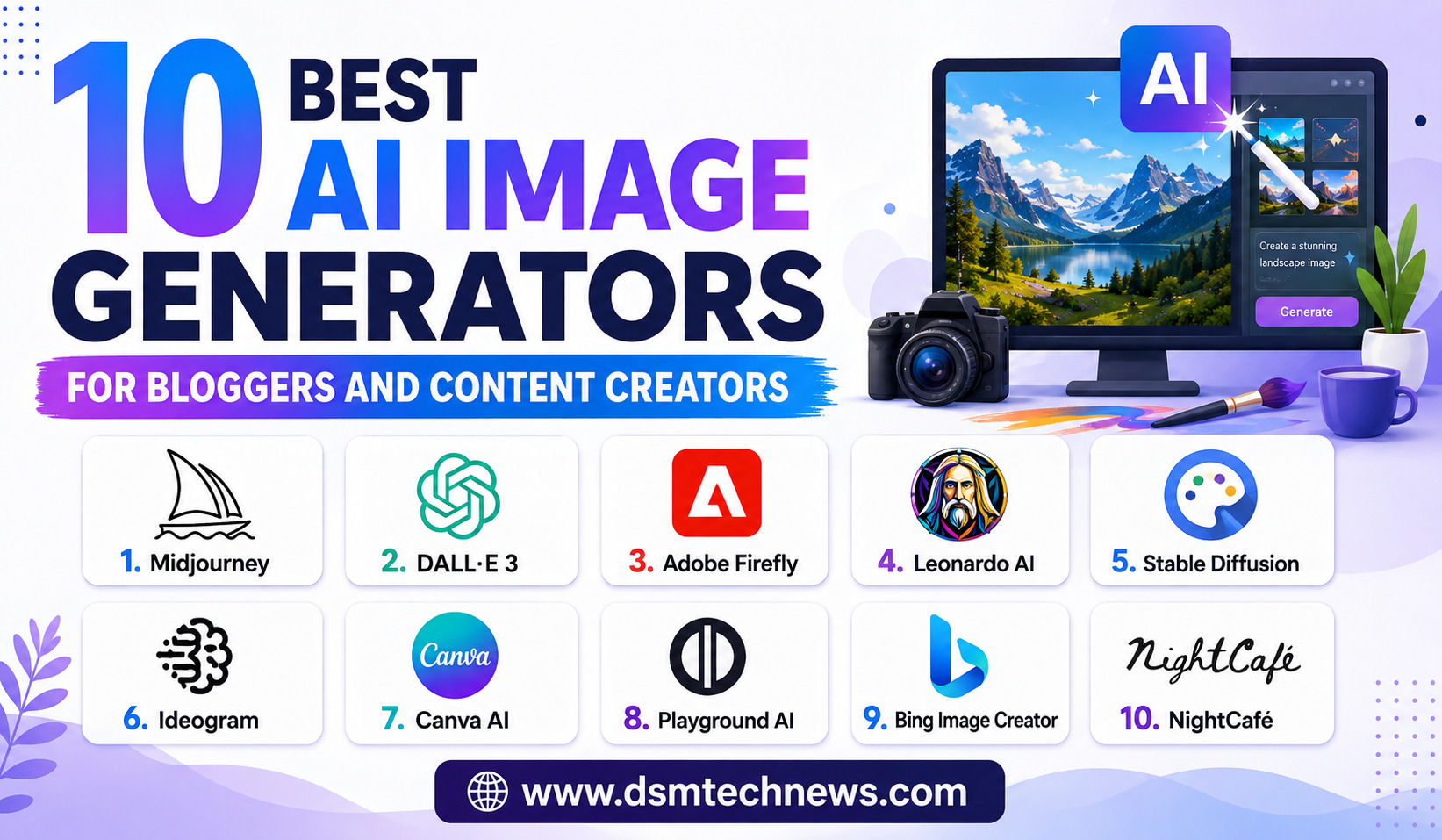
Here are the 10 best AI image generators for bloggers and content creators in 2026.
1. ChatGPT Images – Best Overall for Bloggers
ChatGPT is one of the easiest AI image-generation options for bloggers because image creation can happen directly inside a conversation.
The major advantage is its natural-language workflow. Instead of learning complicated settings, you can describe the image you need and then ask for changes. For example, a blogger can request a professional featured image for an article about artificial intelligence and then refine the background, composition, colors or visual elements.
OpenAI’s ChatGPT Images 2.0, introduced in 2026, focuses on improvements including image quality, detailed instruction following and text rendering.
This makes ChatGPT particularly useful for blog headers, article illustrations, social media images and marketing visuals.
Best for: Bloggers who want an easy all-purpose image generator.
2. Google Gemini – Best for Conversational Image Editing
Google Gemini has become another major choice for content creators.
Gemini’s image-generation capabilities are particularly interesting for creators who want to generate and then modify images through natural-language instructions. Google’s newer image-generation technology has focused heavily on realism, editing and maintaining important elements during transformations.
For bloggers, this can be useful when an existing image needs to be changed rather than recreated completely.
For example, you might start with a product image and ask Gemini to place the product in a modern office environment or create a different background.
Gemini is also useful for creators already working within Google’s broader AI ecosystem.
Best for: Image editing, transformations and Google ecosystem users.
3. Midjourney – Best for Artistic Blog Images
Midjourney remains one of the strongest choices when visual quality and artistic style are the top priorities.
The platform is particularly popular for cinematic scenes, fantasy artwork, editorial visuals, conceptual illustrations and highly stylized images. Its latest developments continue to focus on aesthetics, personalization and creative control.
For bloggers, Midjourney can be excellent for creating distinctive hero images that make an article visually different from thousands of ordinary stock-photo-based posts.
A travel blogger, for example, could use it to create atmospheric destination artwork. A technology blogger could create futuristic illustrations for AI or robotics articles.
The main drawback is that Midjourney may require more experimentation than simpler conversational tools.
Best for: Bloggers who want artistic, cinematic and visually impressive featured images.
4. Adobe Firefly – Best for Professional Content Creation
Adobe Firefly is particularly useful for bloggers, marketers and designers who already use Adobe’s creative ecosystem.
Firefly combines AI image generation with editing capabilities and broader creative tools. Adobe has continued expanding its AI features in 2026, including image editing, custom models and access to multiple AI models.
This makes Firefly useful when creating an image is only one part of the workflow.
A content creator can generate an image, remove unwanted objects, change the background, expand the composition and continue refining the asset before publishing it.
Firefly is especially valuable for businesses and professional publishers that need more control over their visual production process.
Best for: Professional bloggers, marketers, designers and Adobe users.
5. Canva AI – Best for Beginners and Blog Graphics
Canva has long been popular among bloggers because it makes graphic design accessible to non-designers. Its AI features make the platform even more useful for content creation.
Canva AI can help generate visuals while giving users access to templates, fonts, layouts, branding tools and resizing features.
This is particularly important for bloggers because creating a useful blog image often involves more than generating a picture. You may need to add the article title, website logo, brand colors and social media dimensions.
Canva makes it possible to generate an image and turn it into a finished graphic without switching between multiple applications.
Best for: Beginners, bloggers creating featured images and social media graphics.
6. Ideogram – Best for Text Inside Images
Ideogram is especially useful when the image itself needs to contain readable text.
Text generation has traditionally been a difficult area for AI image models. Ideogram has built a strong reputation for typography-heavy designs, posters, logos, headlines and promotional graphics.
This can be extremely useful for content creators.
Suppose you want a social media graphic containing a specific headline or a thumbnail with a short phrase. Instead of generating the background separately and manually adding every word, Ideogram can be used to create designs where typography is part of the visual concept.
However, important text such as dates, prices, brand names and legal information should always be checked carefully before publication.
Best for: Blog thumbnails, posters, social graphics and text-heavy visuals.
7. Leonardo.Ai – Best for Creative Control
Leonardo.Ai is a strong option for creators who want more control over their image-generation workflow.
It provides tools for creating illustrations, characters, concept art, product visuals and other digital assets. Its range of creative controls makes it attractive to users who want to experiment rather than simply enter one prompt and accept the first result.
For bloggers, Leonardo can be particularly useful when building a consistent visual style across multiple articles.
For example, a gaming website might use it to create recurring character artwork, while a technology website could develop a recognizable futuristic illustration style.
Leonardo is also suitable for creators who want to experiment with different models and visual approaches.
Best for: Advanced bloggers, gaming creators, artists and users seeking more creative control.
8. Recraft – Best for Icons, Vectors and Brand Graphics
Recraft is worth considering when your blog requires more design-oriented visuals rather than conventional AI photographs.
The platform is particularly useful for icons, illustrations, logos, vector-style artwork and branded graphics. It can be valuable for websites that want a consistent visual identity instead of using generic stock photographs.
For example, a business blogger could create a collection of matching icons for articles about marketing, finance, technology and entrepreneurship.
Recraft is therefore less about producing a single spectacular photograph and more about creating useful design assets that can fit into a broader brand system.
Best for: Icons, illustrations, vector-style graphics and branding.
9. FLUX – Best for Advanced Users
FLUX is another important name in the AI image-generation landscape, particularly for creators who want more technical control.
Different FLUX implementations and models can be used across various platforms and workflows. This flexibility makes FLUX interesting for developers, technically experienced creators and users who want to experiment with AI image generation beyond simple consumer applications.
For an ordinary blogger, however, it may not always be the easiest starting point.
If your goal is simply to create a featured image for a WordPress article, ChatGPT, Canva or Gemini may provide a faster workflow.
But advanced creators who want greater control over their generation pipeline may find FLUX worth exploring.
Best for: Technical users, developers and advanced AI creators.
10. Microsoft Designer – Best for Quick Social Content
Microsoft Designer is another useful option for bloggers and social media creators who need quick visual content.
Its AI-powered design workflow makes it possible to create graphics from descriptions and then modify them for different purposes.
This can be useful for creating promotional images for blog posts, social media posts, announcements and simple marketing graphics.
For bloggers who don’t need the advanced artistic capabilities of Midjourney or the professional editing ecosystem of Adobe, a simpler design-focused tool can be more practical.
Best for: Quick social media graphics and beginner-friendly content creation.
How Bloggers Should Choose an AI Image Generator
The best AI image generator depends on the type of content you publish.
If you mainly need blog featured images and article illustrations, ChatGPT is a strong starting point because of its conversational workflow and flexible image creation.
If you want artistic and cinematic visuals, Midjourney is worth considering.
If you need graphics containing lots of readable text, Ideogram can be particularly useful.
If you want to create complete branded graphics, Canva can save time because image generation and design tools are available together.
For professional editing, Adobe Firefly is a strong option.
Creators who want advanced experimentation and creative control can explore Leonardo.Ai or FLUX.
There is also no rule saying you have to use only one tool. Many professional content creators use one AI generator for initial image creation and another design application for final editing.
Tips for Using AI Images on a Blog
Generating an image is only the first step. Bloggers should also think about how the image performs on the website.
Keep the image relevant to the article rather than generating visuals simply because they look attractive. A useful image should support the topic or improve the reader’s experience.
Before uploading an AI-generated image, resize it appropriately and compress the file so that it does not unnecessarily slow down the website. Give the file a descriptive name and add meaningful alt text where appropriate.
You should also review every generated image carefully. AI can still create strange details, incorrect text, unrealistic objects or misleading visual information.
Most importantly, check the current terms of the AI service before using generated images commercially, particularly if the image will be used for advertising, products or paid campaigns.
Final Verdict
The best AI image generators for bloggers and content creators in 2026 are not necessarily the tools that create the most spectacular images. The best tool is the one that fits your publishing workflow.
ChatGPT is an excellent all-round choice for everyday blog images. Gemini is useful for conversational image creation and editing. Midjourney is ideal for artistic and cinematic visuals, while Adobe Firefly is particularly valuable for professional creative workflows.
Canva AI is one of the easiest choices for beginners who need finished graphics, while Ideogram is especially useful when text needs to appear inside an image. Leonardo.Ai offers more creative control, Recraft is useful for vectors and branded graphics, FLUX suits advanced users, and Microsoft Designer provides a convenient option for quick social content.
For most bloggers, starting with ChatGPT or Canva AI is a practical approach. As your visual requirements grow, you can add specialized tools such as Midjourney, Ideogram or Firefly to your workflow.
AI image generators are becoming an important part of modern content creation, but the best results still come from combining AI speed with human creativity, editing and judgment.
Creating great blog content is no longer only about writing good articles. Visual content has become an important part of blogging, social media and digital…